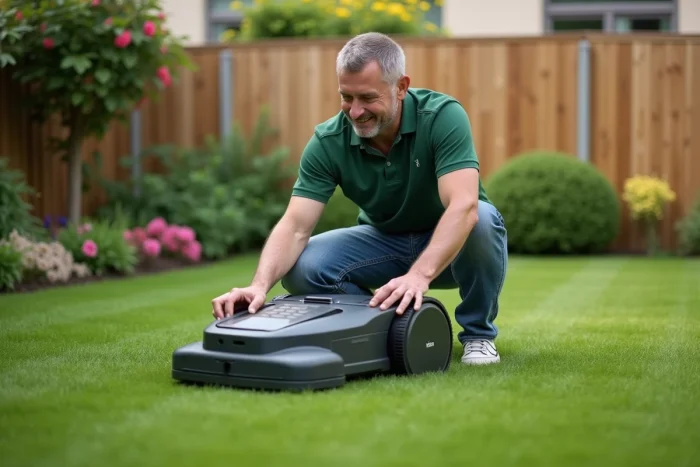
Forgetting the PIN code of the Parkside robotic mower does not permanently block access to essential functions. Unlike some competing models, the activation or reset procedure does not require specialized tools or intervention from customer service in most cases. Compatibility with multiple recovery methods is a notable difference, often unknown to users. This flexibility aims to limit service interruptions and simplify daily maintenance.
Why the Parkside robotic mower is increasingly appealing to gardeners
The success of the Parkside robotic mower is no coincidence. This device stands out among gardeners for its efficiency and the ease with which it integrates into daily life. No matter the size of the lawn, the machine finds its place, eliminating the regular chore of mowing from your mind. The price argument weighs in, but it is not the only factor tipping the scales: the intuitive programming and autonomy are widely praised. Once you take control, it quickly becomes clear why the brand is appealing; everything is designed to keep the lawn neat without complex interventions.
Another significant aspect is durability. The materials hold up well, and the interface remains readable even in bright sunlight. The advanced features are present but never make the machine overwhelming. And when it comes to adjusting the settings, the process remains clear. For example, to activate or reset the PIN code of the Parkside robotic mower, there’s no need to get lost in obscure menus: the solution is displayed in just a few taps.
How the PIN code works and the steps to easily activate or reset it
The PIN code is the key to accessing the settings of the Parkside robotic mower. This lock, installed upon startup and active at each start, prevents any accidental manipulation or unintentional intrusion. Only the user who knows the defined sequence can program the cycles, adjust the time slots, or modify the security settings.
Activation occurs at the first use or with each reset. A dedicated menu allows you to enter a sequence of four digits, which must be entered and confirmed directly on the interface. It’s up to you to choose a combination that is memorable while deterring the curiosity of visitors or distracted children.
To guide you, here are the essential steps to follow when activating or resetting:
- Turn on the device and open the menu from the control panel.
- Access the security or interface protection section.
- Choose and confirm your four-digit PIN code.
- Validate the changes: security will then be implemented.
In case of forgetfulness, purchasing a second-hand device, or persistent bugs, it is still possible to reset the code via a simple procedure from the menu. Some models will require a master code, provided by Parkside’s technical service, or a key combination specified in the manual. If the procedure proves challenging, Parkside support is available for a quick response without permanently immobilizing the device.
Practical tips for a smooth operation and optimal daily maintenance
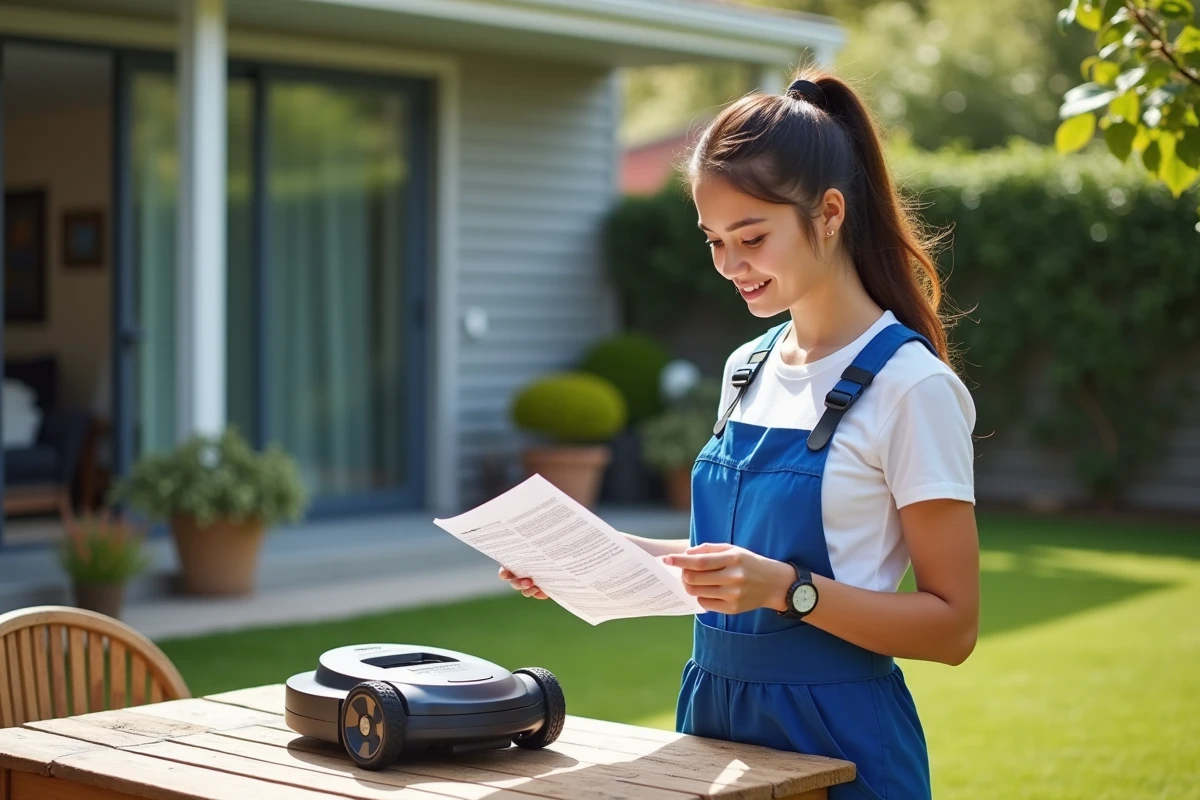
A high-performing robot deserves a minimum of attention throughout the season. A visual check after each mowing is often sufficient: remove grass stuck to the blades, check that the housing is not clogged, and replace the blades as soon as they wear out to ensure a clean and quick job. This simple gesture prevents many disappointments.
Choose a stable and dry location for the charging station. Prolonged moisture can quickly lead to unexpected stops. Regarding the battery, careful recharging combined with adherence to the displayed recommendations extends its lifespan and reduces breakdowns. Always keep an eye on the messages displayed on the screen or the Parkside app.
Some routine checks can help anticipate common minor issues:
- Monitor the condition of the perimeter wire and its connections, especially after repeated passes by the robot.
- Store the station and the robot out of the elements once the season is over to avoid winter wear.
- If you need to modify a secondary area, refer to the manual to easily adjust the programming.
- Accept updates when offered; these fixes enhance stability and security.
The Parkside customer service offers all necessary parts for maintenance: blades, batteries, accessories. In case of an alert displayed or unclear technical message, the paper or online documentation provides the most reliable answer. This consistency in attention extends the lifespan of your robot and gives you peace of mind, even during the busiest mowing periods.
When the maintenance routine is well established, mowing the lawn becomes an almost invisible task. You quickly get used to the result, and ultimately, the perfect lawn is easily forgotten. Who benefits from the greatest silence?